Showing posts with label Address. Show all posts

07 November 2024

A-Z Address Pages?

I am sure a lot of us have used our Filofax organisers to keep the details of all of our friends and family contact details, addresses, phone numbers, may be even email addresses in recent years. 

I have been gradually moving all of this information on to my Apple Contacts app, which shares the details across all of my devices. 

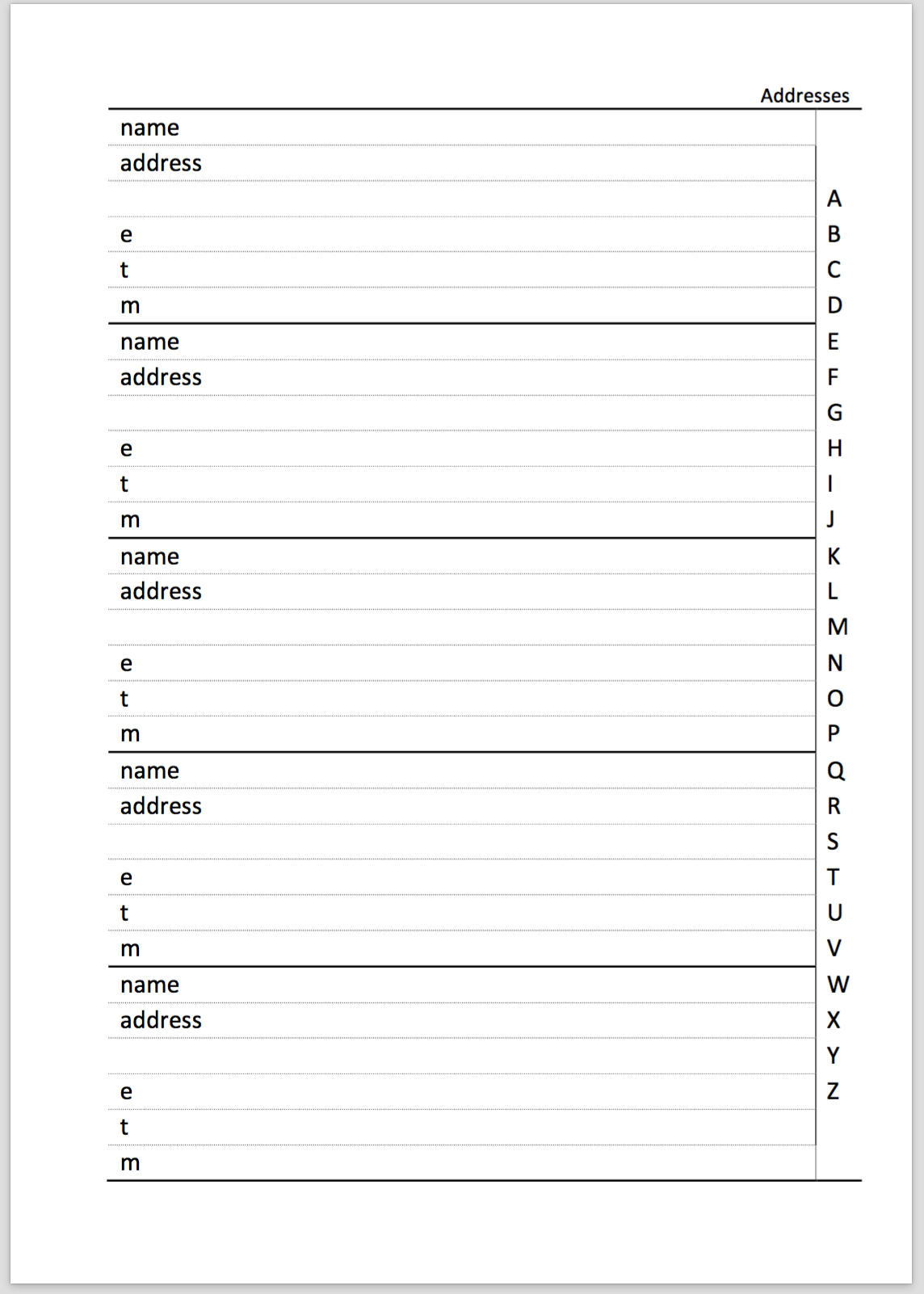
For a few years I would religiously export the data as a comma separated values (CSV) file and then do a mail merge in to a Word file configured as a file template to create my own printed name and address pages to go in to the back of my A5 organiser. 

When it came to reviewing the data this year, I decided that I could save some ring space by not reprinting all of the pages based on the fact that in the last 12 months I couldn't recall looking at those pages at all.  

Instead I would continue to just use Apple Contacts to locate the information contained in the A-Z pages. With the pages removed, I retained the A-Z dividers and started to wonder what purpose I could put them to? 

My initial thought was to use them to divide up my notes and information pages which aren't as well organised as I would like.... and filing information in some form of order would speed up finding information in future. 

If you don't use the A-Z for your names and addresses, what do you use them for? 

12 October 2015

Addresses in your organiser


I realised the other day as I was working through the address pages in my personal size to transfer them in to my A6 size organiser. How many of these addresses do I really need to carry with me?

So in my address pages I have the persons name (obviously!) their mailing address, telephone number, may be their mobile number and their email address.

I have a lot of the contacts in my phone as well, and these are synced to my computer, but I still like to have them on paper as well....just in case!

I have a full address section in my A5 'stay at home' organiser, so do I really need to duplicate it all in my A6 organiser?

So during my afternoon walk today I started to think this through in a more rational fashion.
  1. I suppose it helps to have a back up paper copy. But I could easily copy the existing A5 pages and store them in one of our document fire safes.
  2. If I'm away from the office for more than a day how many times have I looked in the address section of my current organiser?  Answer not very often. 
  3. How many of the addresses in my organiser in the last 2 years have I needed to email, phone or post a letter to? Answer not that many. 
  4. What is my main means of contacting people these days? Is it still phone or letter or email? Answer, possibly none of those we are so tied in to messenger and iMessage these days a lot of the people I'm in regular contact with I don't their phone number or mailing address anyway. 
By the end of my walk I was starting to realise that the need for a full A-Z address section in my A6 organiser was not going to be needed... But what to replace it with? 

Firstly I need to decide who needs to go in to that section, look back at my phone records to see who I called, who I received calls from, and how many times. 

Slimming the number of pages down would also lighten the page load as well, giving me more space for other things. 

So I've set myself a task to capture the name and address details of people I'm in regular contact with and put them in to some sort of computer file so I can easily up date the few pages I will need to print out when ever the details change.

I have found a convenient of exporting my contact list on my Mac in to a CSV (comma separated value) format file which I can then open in Excel and then manage the contents of that file (delete the unwanted ones) and then do a simple mail merge in Word to create my new 'Essential Addresses' pages.

16 January 2011

Names and Addresses?

I think we all store names and addresses in our Filofax organisers or may be a print out of them from your PC. But how often do you check them?

I have been in the process of updating all of my addresses to include the country and also the international dialling codes. Today whilst doing some painting, I had an idea that I should use a notes field to indicate who this person is, as well as Name, Address, Telephone Numbers  Why you might ask......

Recently my elderly mother has had to go in to a care home for her own safety and security, but she is in a great place, modern facilities etc etc. So anyway... I was handed the task being the only child to write and tell everyone about my mothers change of circumstances and her new address etc.

Well I didn't think it would be too big a task, that was until we found about ten different address books of various ages, but no clue as to which was the current one. And of course Mum can only remember some of the people in the address books.

Luckily with it being near to Christmas, we went through all of the cards and eventually I was able to track down most of the people across the address book 'heap' and then add the names and addresses to a new notebook (which in fact Laurie sent me.... thanks Laurie), I also added them to a spreadsheet so we could eventually do a mail merge. 

So a couple of things I am thinking of adding on my address pages. The first is to categorise each entry, what is their relationship to me (Friend, Business Contact, Relative, etc). I might also add a date on each sheet, so I know when the sheet was last checked for accuracy.

How do you manage your names and address lists?

01 November 2009

Filofax Address Book Software


Following on from our discussions on how we maintain address and contact lists, which I think we all agree can get a little tedious and repetitive. I've found it's no different on a computer, with duplicate records slipping in from time to time.

I decided to download the free demo of the Filofax Address Book software. I wanted to try this out before considering whether to purchase it or not. The software will only work on a Windows PC, no native Mac version is currently available, although I guess the software might work in Parallels or similar simulation software. I haven't been able to confirm this out at this time.

After loading the demo, I took a look around it, you can import your address files from a variety of sources, I chose to link in to my address book direct which was easy to do.

You then choose which size of Filofax page you which to print your addresses and contacts on. The software supports the following formats: A5, Personal and Pocket size pages in A4 size paper, and A5 with 8.5 x 11 inch paper. For Personal and Pocket it assumes you are printing on to the computer paper that can be obtained from your Filofax stockist or the on-line store. There are also settings for printing labels or envelopes (useful for Christmas cards!)

For each size there are a selection of page styles which give you a choice of how detailed to make your printed entries. The print preview mode allows you to see your contacts on a simulated page and switching between styles allows you to see how much detail is included.

You can also filter your contacts to include or exclude work, personal or a text based filters. This proves quite powerful if you are setting up your contacts exclusively for your work Filofax.

In the options you can add and control A-Z tabs and the way alphabetical ordering is handled, the number of contacts per page. You can also select which fields to print, which allows you to cram more contacts to as few a pages as possible. You have control over the field headings, font sizes etc.

Within the main body of the application, you have control over the sorting of your contacts, using the main fields or some of the sub fields.

You can also edit entries although I'm not 100% sure if the edited version of a contact is passed back to Outlook or not, I need to investigate this. Once you have imported your contacts you can maintain the file from within the application, so you can add and delete contacts, and as I just mentioned edit entries.

At present I print from within Outlook 2007 on to A4 paper in booklet mode to put in my A5 organiser, but I can see this software would make the job a lot easier, especially for personal size pages. (3 pages per A4 sheet) which are traditionally tricky to line up exactly.

I've not as yet purchased the full version of the software (the demo is more or less fully functional, except it limits printing to 20 contacts) or some of the Filofax paper. But I will be ordering some personal size paper along with the software this week.

.